Lighthouse · Spark 2026
Run a Boulder Comp in GripRank
Short operating guide. No theory, no fluff — just the steps Lighthouse needs on comp day.
1 · Import athletes
Paste the athlete list, preview, import.
- 1Open Boulder Import.
- 2Choose the Spark 2026 competition.
- 3Choose the category you are importing.
- 4Paste rows from Excel/CSV. Recommended columns: bib, name, team, category, detail, status.
- 5Click Preview rows.
- 6Fix any red/error rows before importing.
- 7Click Import. Do not refresh while it is importing.
Example row:
101,Aisha Tan,Lighthouse,youth_b_girls,1,ok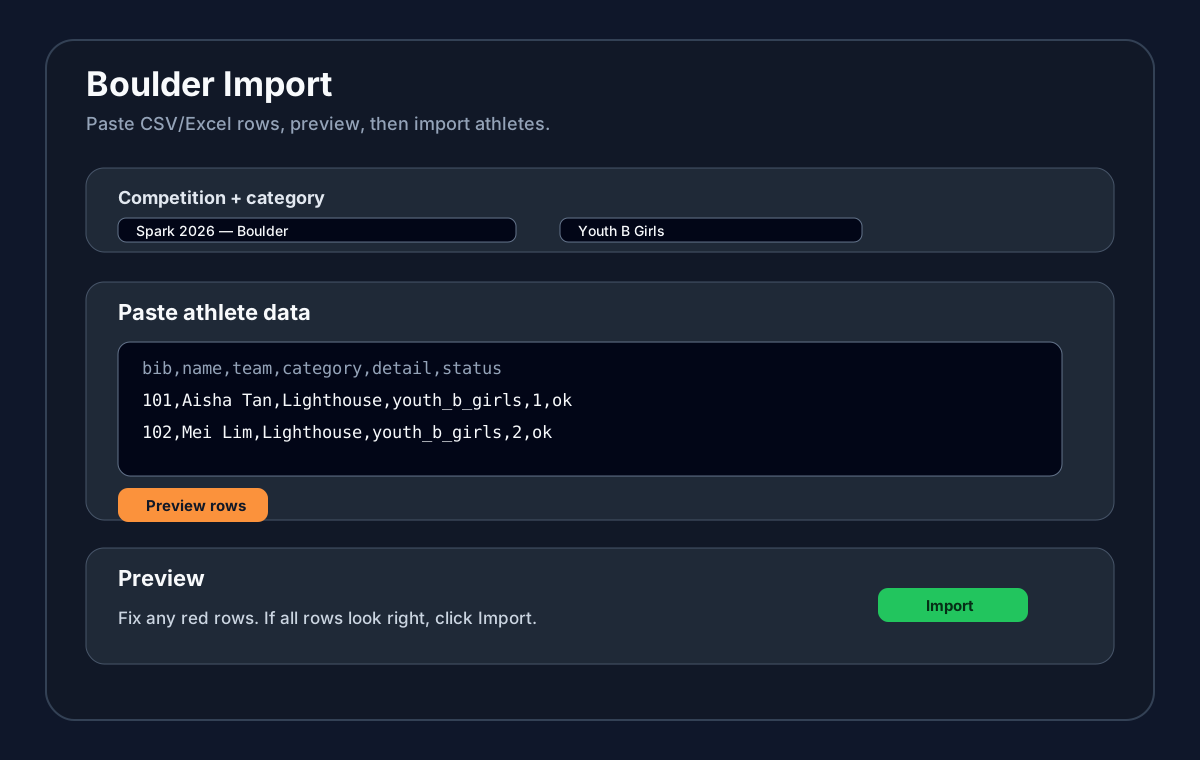
2 · Set up routes
Create route counts, names, and judge code.
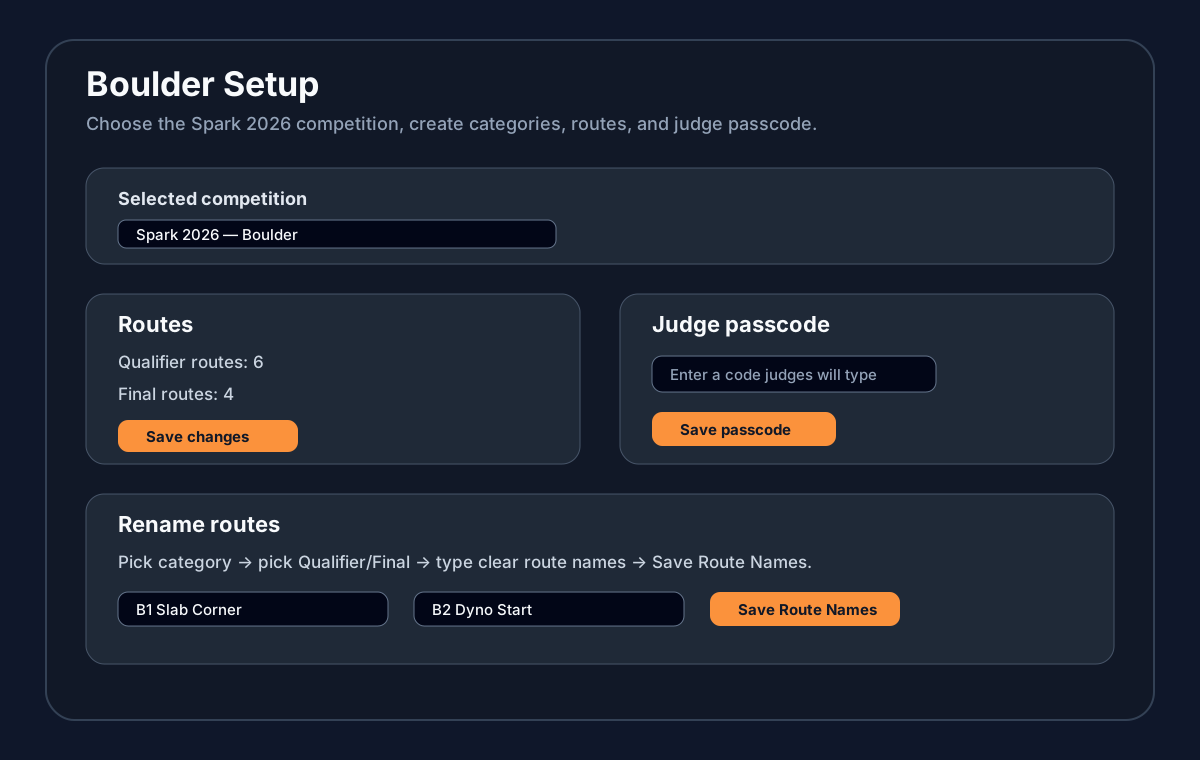
- 1Open Boulder Setup.
- 2Choose the Spark 2026 competition.
- 3Check categories are correct.
- 4Set Qualifier routes and Final routes, then save.
- 5Under Rename routes, choose a category and phase, type route names, then click Save Route Names.
- 6Under Judge passcode, enter the judge code and click Save passcode.
3 · Judging login
Judges use the passcode. No admin account needed.
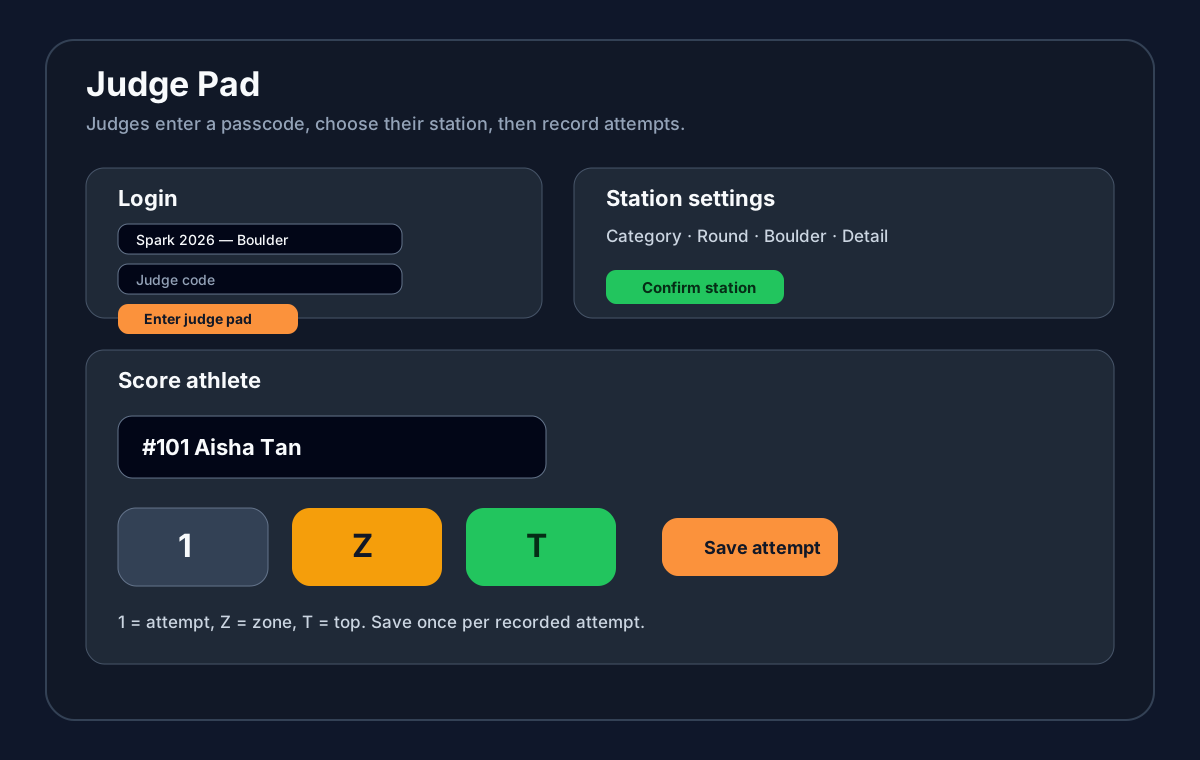
- 1Open Boulder Judge on the judging device.
- 2Choose the Spark 2026 competition.
- 3Enter the judge passcode from Boulder Setup.
- 4Tap Enter judge pad.
- 5If the code fails, ask admin/chief to reset it in Boulder Setup.
4 · How to use judge page
Confirm station first, then save each attempt.
- 1Choose Category, Round, Boulder, and Detail.
- 2Tap Confirm station. Do this before judging starts.
- 3Select the athlete from the roster.
- 4Tap 1 for attempt, Z for zone, or T for top.
- 5Tap Save attempt.
- 6If you tapped the wrong thing, use Undo immediately or ask Chief to edit it.
1 = attempt without zone/top
Z = zone reached
T = top reached
5 · Admin/chief login
Chief uses a staff/admin account.
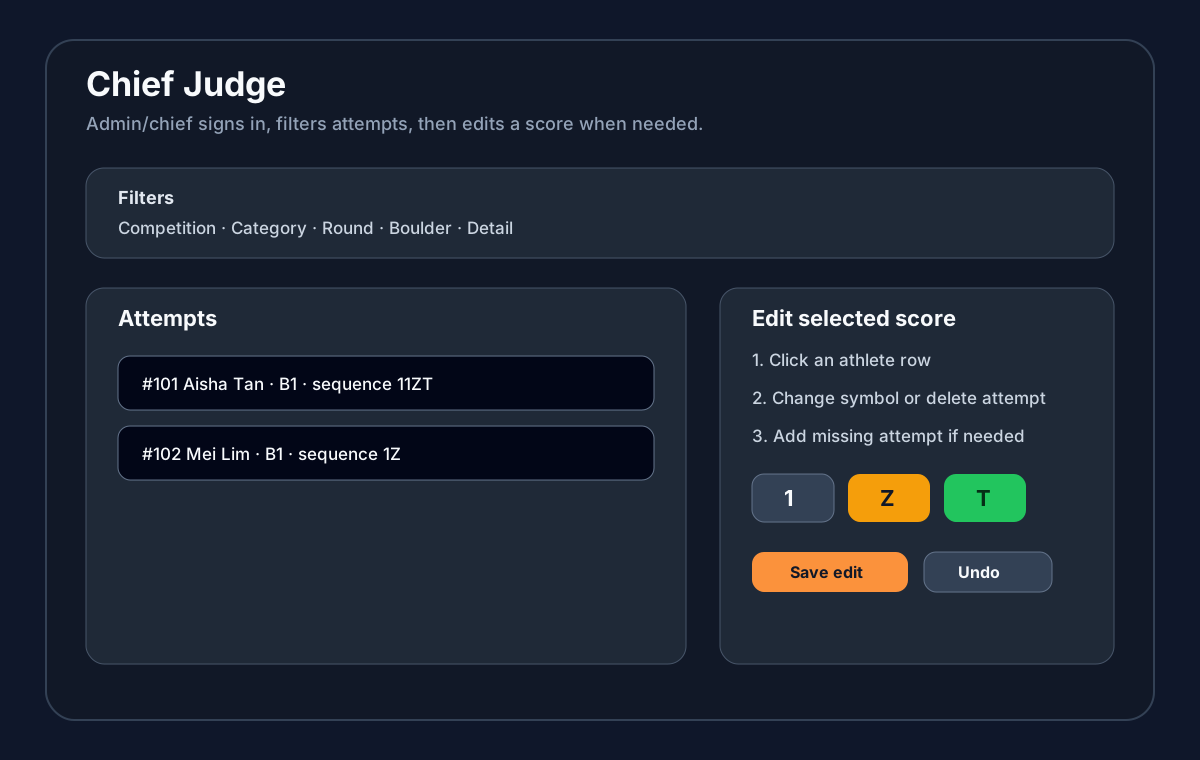
- 1Open Boulder Chief.
- 2Sign in with the staff/admin account.
- 3Choose the Spark 2026 competition.
- 4Filter by category, round, boulder, and detail to find the athlete quickly.
6 · Change score on chief
Click athlete, edit attempt history, save.
- 1Open Boulder Chief and select the correct competition/category/round.
- 2Use Boulder and Detail filters if the list is long.
- 3Click the athlete row you need to fix.
- 4Change the wrong attempt symbol to 1, Z, or T — or delete it if it should not exist.
- 5Add a missing attempt if the judge forgot to save one.
- 6Save the edit. Check the athlete row again before moving on.
- 7Use Undo only for the last chief change if you immediately spot a mistake.